Scripture Tour
Scripture Tour
Jesus Christ, and all the people of scripture.
The Savior has a page of His own: His names and titles, His life and ministry, His genealogy through Matthew and Luke, a witness of Him from every volume, and His own “I am”, across 2,427 verses. Every other person, place, event and sacred object in the five volumes has a page too, with a connection map that steps from one name to the next, plus 341 famous stories, 75 gospel topics and 61 symbols.
- 3,259 people, 1,299 places, 689 events and 54 prophets, with every family link backed by the verse that states it
- One forgiving search finds people, stories, topics and symbols, even misspelled: “nefi”, “lions”, “word of god”
- What a name means, wherever scripture says so: Emmanuel, “God with us”; Liahona, “a compass”; Moses, “because I drew him out of the water”
- Their words: every speech a person gives, in all five volumes, and every Book of Mormon story on the timeline
- Introductions are written only from the verses that name each one
Bible data from Theographic Bible Metadata (CC BY-SA 4.0).

Scripture Tour · Network
Step from one name to the next.
Explore anyone’s network: everyone and everything scripture names with them. Tap a name to step to it. The link you followed says how they’re connected, and opens the verses behind it.
- A trail across the top leads back along your path
- People, places, stories and symbols, each in its own shape
- Straight or curved links, drawn in as you go
Scripture Tour · Family tree
Family trees from the text itself.
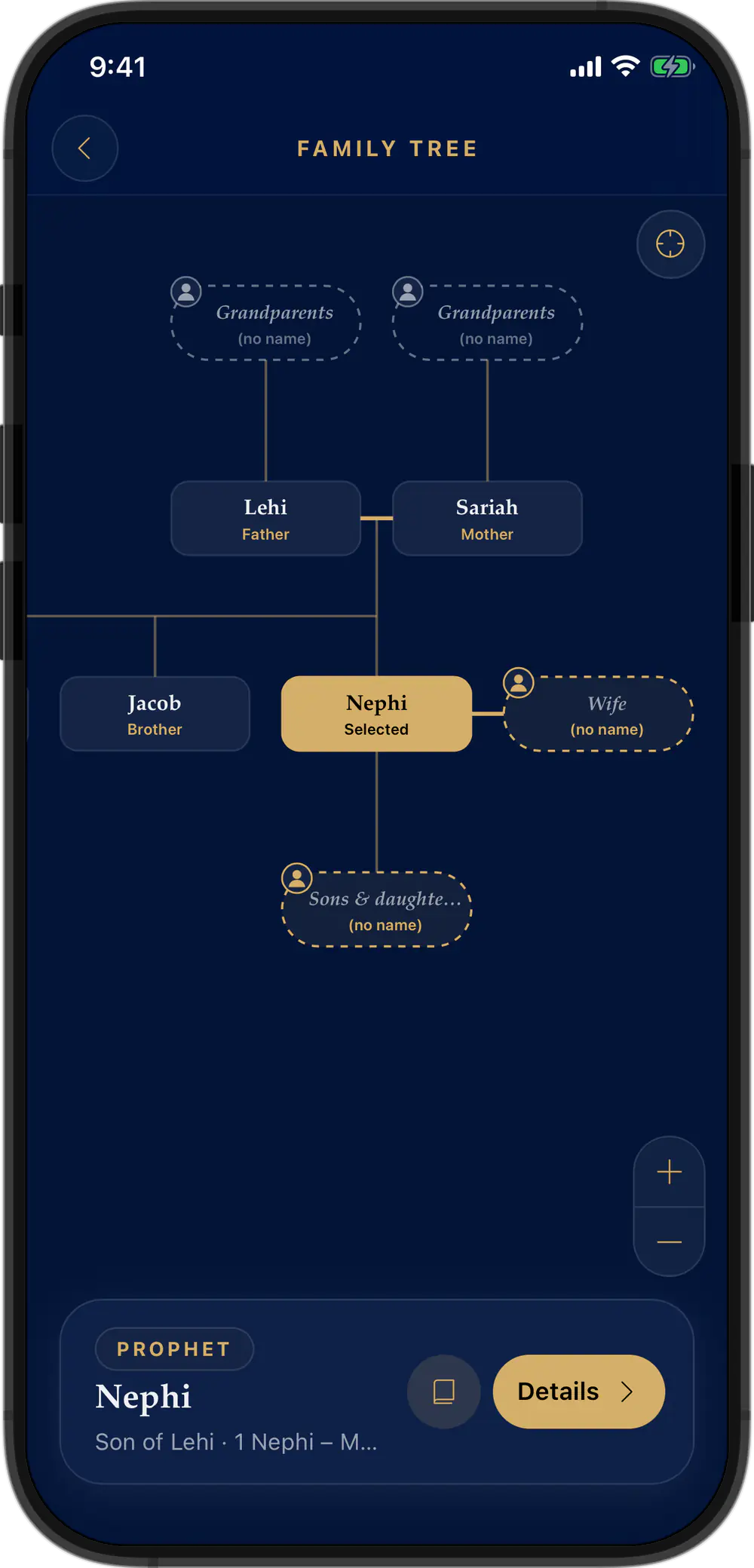
Open anyone’s family tree and grow it a card at a time. Every line follows the text, not tradition. Tap one for the verse that states it.
- Grow anyone’s family out of their own card
- Where scripture is unclear, both readings are shown
- People the text never names still have a place
Scripture Tour · Stories
Every story, topic and symbol has a page.
341 famous stories, 75 gospel topics and 61 symbols, each with the people and places in it, the verses behind it, and the stories around it.
- Stories in scripture order, or by how many people and places they hold
- Topics with their key verses and chapters
- Symbols with what scripture says they mean
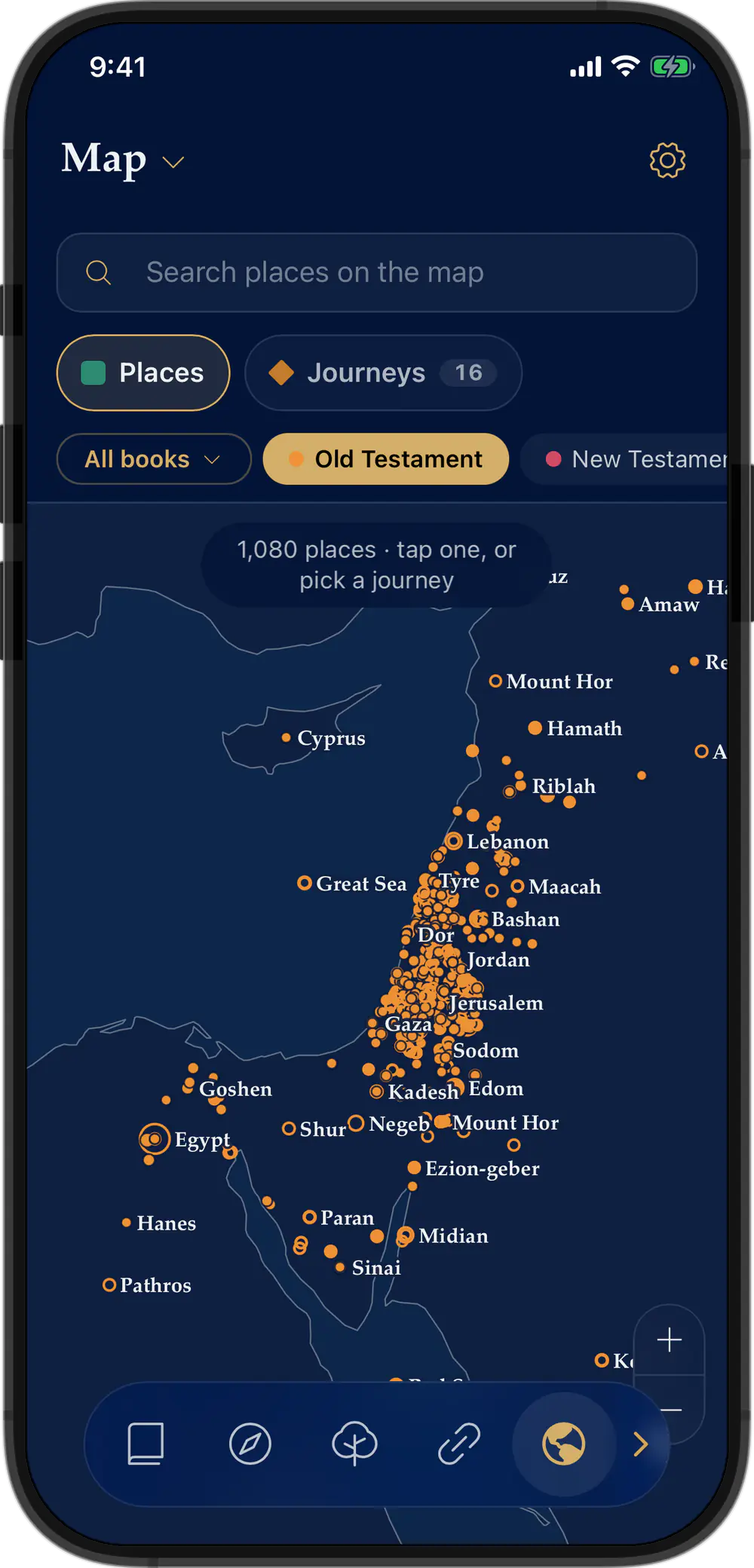
Scripture Tour · Map
Every volume on its own map.
The Bible lands from Egypt to Rome and the Restoration from Vermont to Missouri, on real coastlines; the Book of Mormon drawn only from its own words (the land southward, the narrow neck, up to the land of Nephi, the river Sidon) with no real-world location. Tap a place for its verses, or follow a journey stop by stop.
- 73 journeys (Abraham, the Exodus, Paul to Rome, Lehi’s family, Alma’s flight, Helaman’s 2,000, Mormon’s retreat to Cumorah), each stop with the verse that puts them there
- Book of Mormon lands placed by 294 statements from a full read of the text, every north, south, east and west checked against the drawing
- Over 1,200 Bible places, sized by how often scripture names them
- Offline, drawn by the app itself. No map service, nothing tracked
Bible coordinates from OpenBible.info via Theographic (CC BY-SA 4.0). Outlines: Natural Earth and US Census (public domain).
How it works
Getting around Scripture Tour
Step by step, in the app's own words.
1Find a person, story or topic
- 1Open Scripture Tour (the map icon).
- 2Type in “Search people, stories, topics, symbols…”. Misspellings are fine.
- 3Or browse the lists: “People”, “Prophets”, “Stories”, “Topics”, “Symbols”, “Places” and more.
- 4Tap any row to open its page.
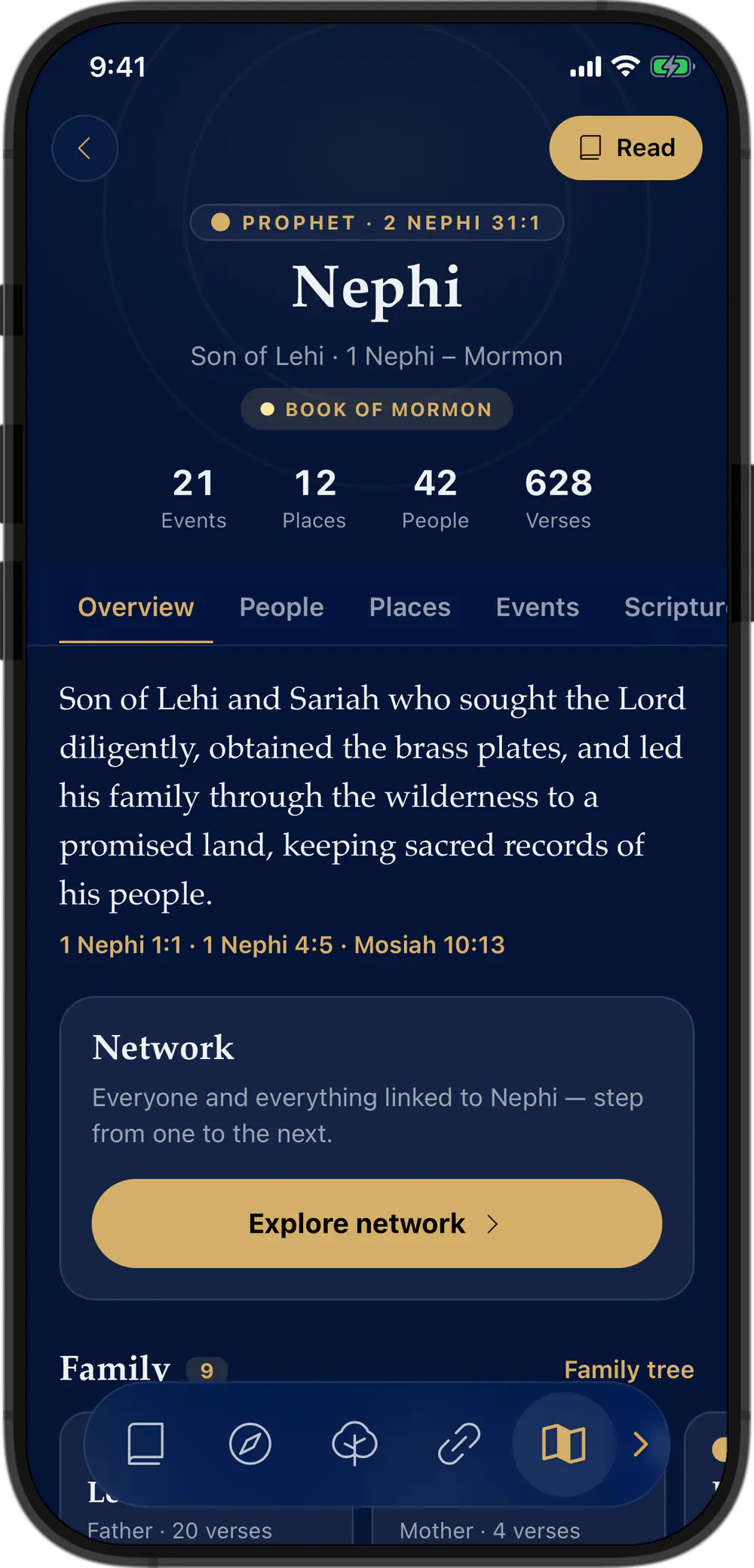
2Explore a page
- 1Each page has “Overview”, “People”, “Places”, “Events” and “Scripture”.
- 2On anyone named alongside, tap “See verses” to read the verses that link them.
- 3Tap “Their words” for everything they say in scripture.
- 4Tap “Read” in the top bar to open their first verse.
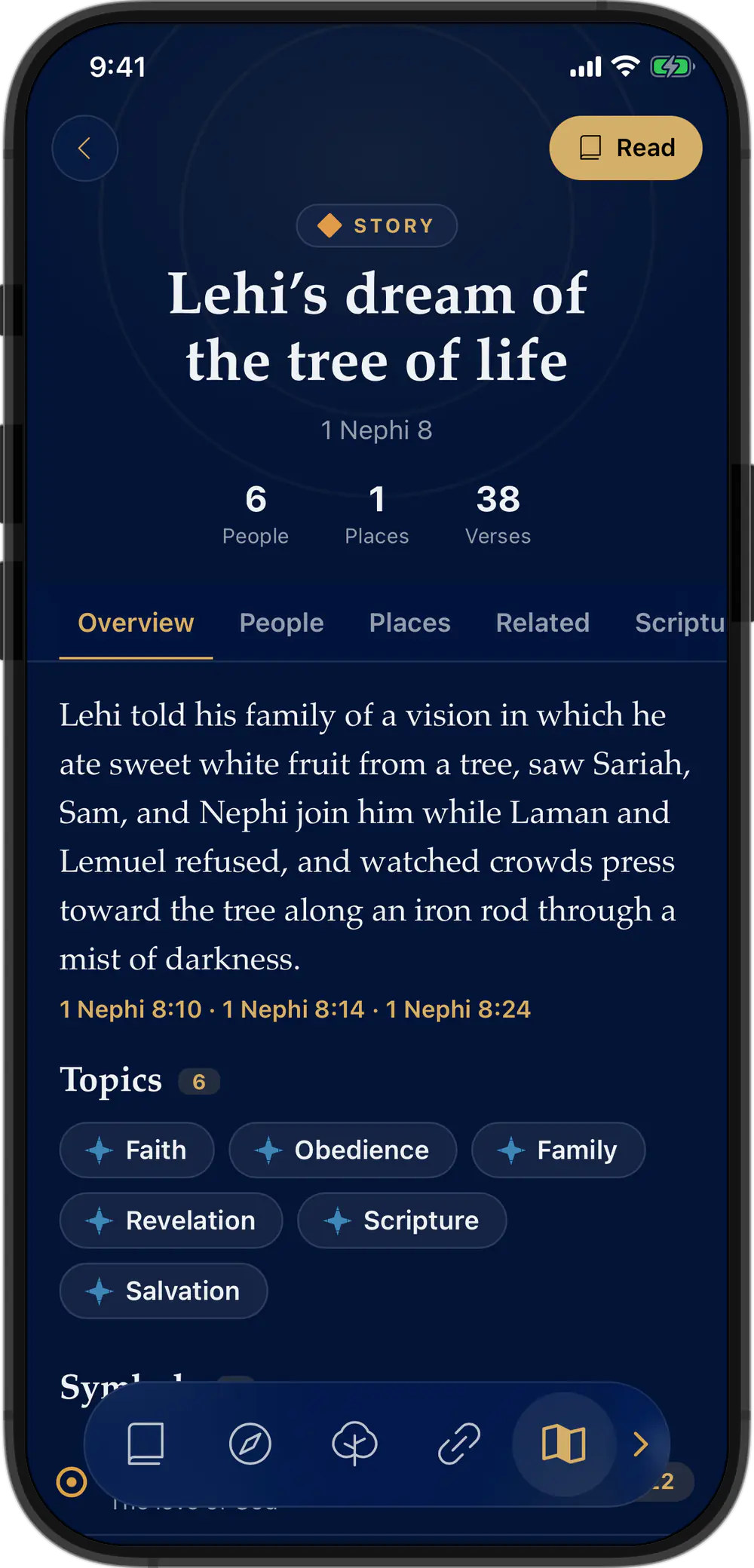
3Follow the network
- 1On a page, tap “Explore network”.
- 2Tap anyone in the circle to step to them. Their own links fan out.
- 3Tap the label on the link you followed to read the verses behind it.
- 4The trail across the top takes you back; “Details ›” opens anyone’s page.
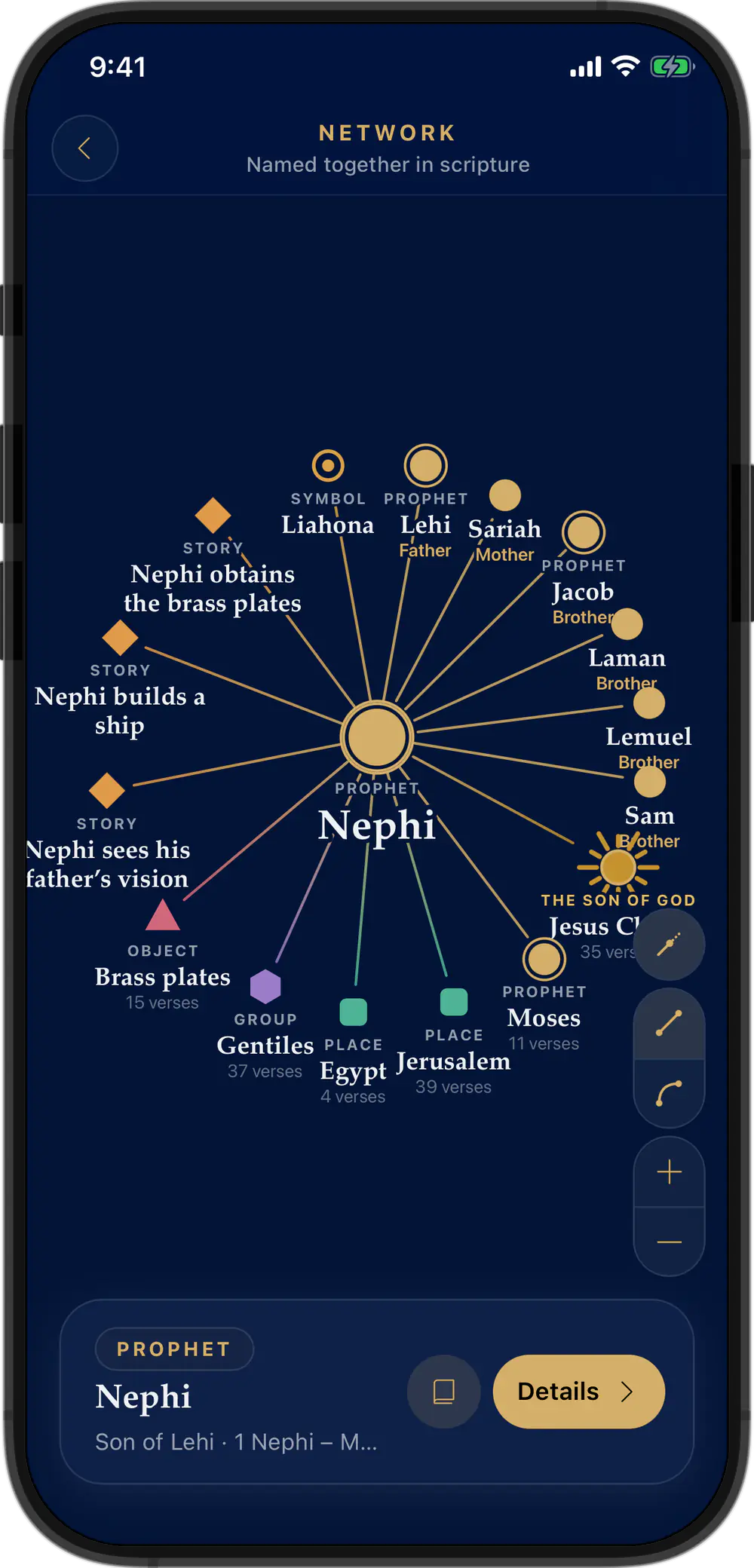
4Open a family tree
- 1On a person’s page, tap “Family tree”.
- 2Tap anyone to grow their family out of their card.
- 3Tap a line between two people to see the verse that says so.
Every family link is backed by the verse that states it.
5See places and journeys on the map
- 1Tap the title “Scripture Tour ⌄” and choose “Map”.
- 2Pick a volume’s map, then tap a place for its verses and its page.
- 3Switch to “Journeys”, pick one, and step through it stop by stop, or play it.
- 4From any place’s page, “See on the map” takes you straight there.